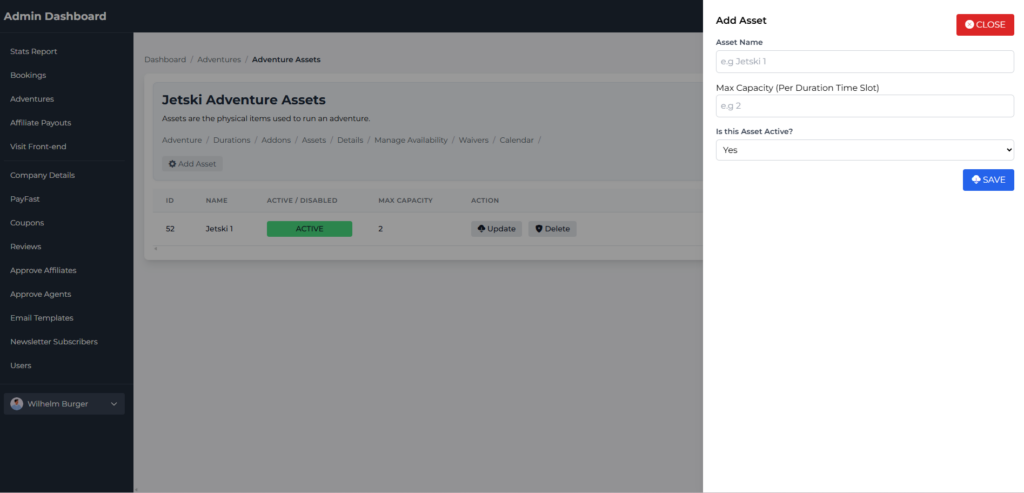
Assets refer to the physical items required to run an adventure. e.g. if you have 4 Jetskis, you can add 4x assets mapped to the adventure.
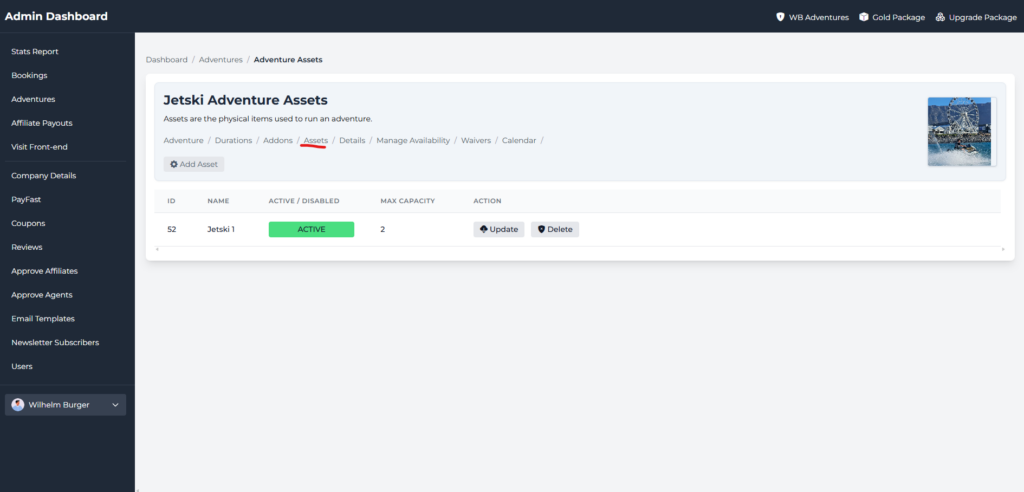
Click assets. You will see a table with your listed assets.
The example above is 1x Jetskis owned by the company with a capacity of 2. The application will use the sum of all assets and set it as the available capacity per timeslot on the front-end booking form.