

Step 1:
Navigate to your VV website and click on the ‘Admin’ link (top right corner).
Step 2:
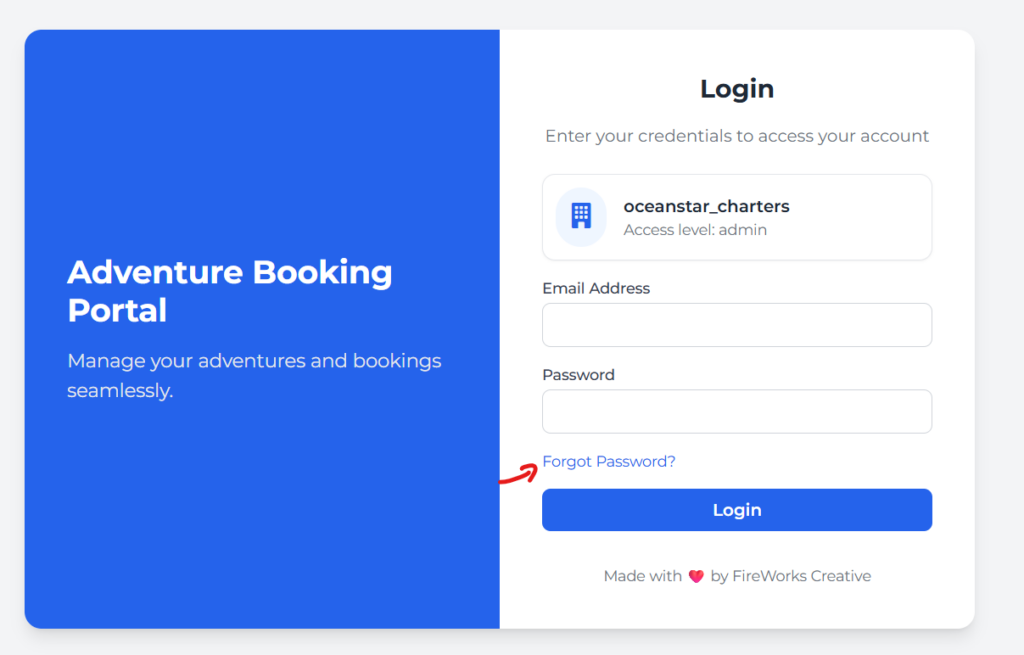
Click the Forgot Password link.
Step 3:
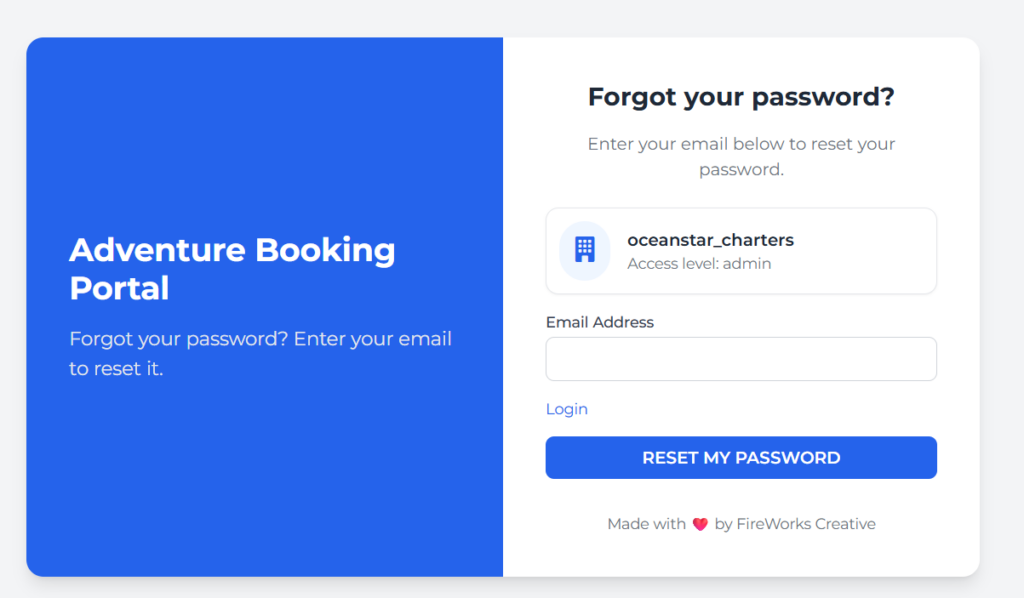
Enter your email address and click the Reset My Password button. You will receive a new temporary password via email.